Table of Contents
Lightspeed is built for speed - direct-market access, hot keys, sub-second execution. But speed in and out of positions is only half the equation. TraderInsight.pro is the trading journal Lightspeed traders use to close the other half: understanding which setups are working, which ones aren't, and why.
Import your Lightspeed order history instantly into TraderInsight.pro and get full access to performance reports, AI analysis, strategy tags, and a P&L calendar - built around your actual data, not a generic template. Supports stocks, options, and more.
Why Lightspeed traders use TraderInsight.pro
Lightspeed excels at execution. It doesn't provide a structured way to review what you executed. There's no tool inside Lightspeed that tells you whether your morning scalps have a higher win rate than your afternoon momentum plays, which tickers consistently eat into your P&L, or how your sizing decisions affect your outcome distribution.
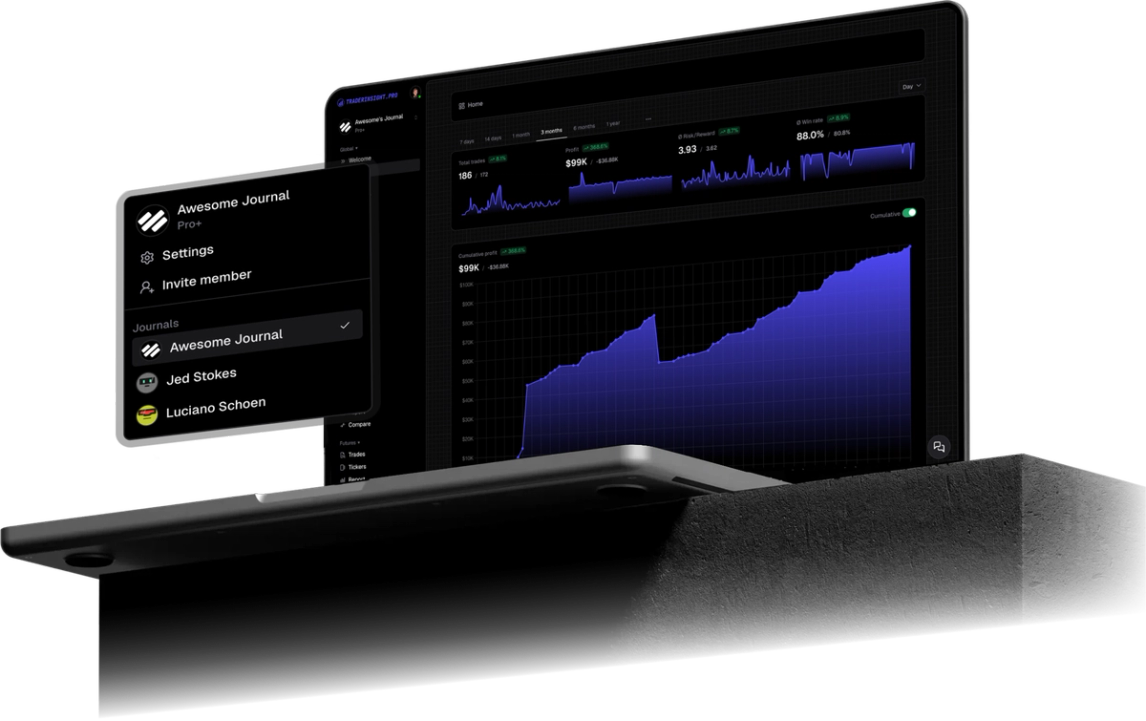
Day traders who rely on Lightspeed's speed without a systematic review process are flying blind after the close. TraderInsight.pro is the review layer - the place where raw order data becomes structured insight. The comparison report is particularly valuable here: run two strategies or two tickers side by side and see the truth in the numbers.
What does TraderInsight.pro support from Lightspeed?
TraderInsight.pro parses your Lightspeed order export and supports stocks, options, and more - new asset types are added regularly. Your account IDs and trade data are preserved, so if you run multiple Lightspeed accounts you can import all of them and filter by account in reports and dashboards.
How to export from Lightspeed
- Open the Lightspeed application.
- Right-click on Orders in the main panel.
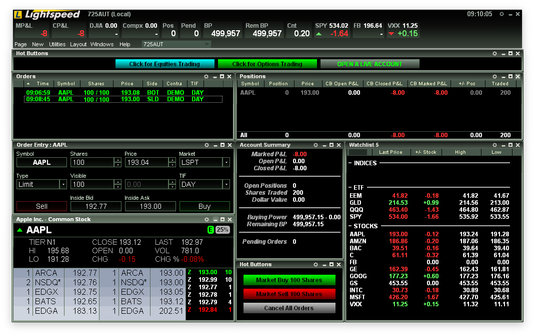
- Right-click on the Orders tab to open the context menu.
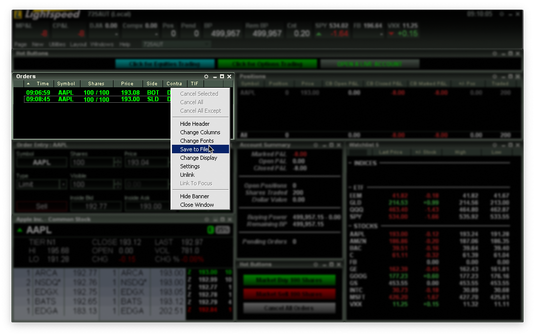
- Select Save to File and save to your desktop.
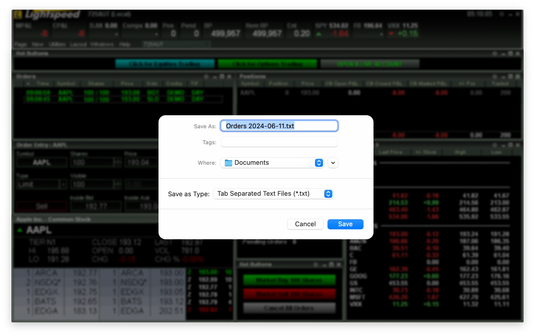
Your order file is ready for import.
How to import into TraderInsight.pro
- Go to the Import page.
- Drag and drop your saved Lightspeed file onto the import area.
Your trades appear instantly, ready for tagging and analysis.
How to use your Lightspeed data to improve
How to identify which of your strategies are actually profitable
Use strategy tags to label every trade by setup type - breakout, momentum, reversal, gap play, or whatever categories map to how you actually trade. Once you have 30–40 tagged trades, the performance reports will show you win rate, average R:R, and net P&L filtered to each tag. Most traders discover that two or three setups are responsible for the bulk of their profits - and several others are quietly dragging down the account.
How to find the time-of-day patterns that cost you money
The P&L calendar gives you a visual overview of performance by day and week, but the reports let you go deeper: filter to trades taken in the first 30 minutes of session versus later in the day and compare outcomes. For Lightspeed day traders who are active across the full session, session-level analysis often reveals that overtrading in the afternoon is quietly reversing morning gains.
How to document the reasoning behind your setups
Add trade notes directly tied to individual positions - including screenshots, market context, and what you planned to do differently. Over weeks and months, this becomes a searchable record of your decision-making evolution. Reviewing your notes on losing trades is one of the fastest ways to spot patterns in your mistakes.
How to compare multiple Lightspeed accounts in one view
If you trade multiple accounts through Lightspeed - a personal account alongside a prop or funded account - import both and use account filtering in performance reports to compare them side by side. The comparison report makes behavioral differences between accounts immediately visible.
How to share your progress with a mentor or trading group
The sharing feature lets you give a coach, mentor, or accountability partner access to your journal without exposing account credentials. For swing traders participating in group coaching programs, this replaces screenshot-based progress sharing with verified, structured data.
Mobile access
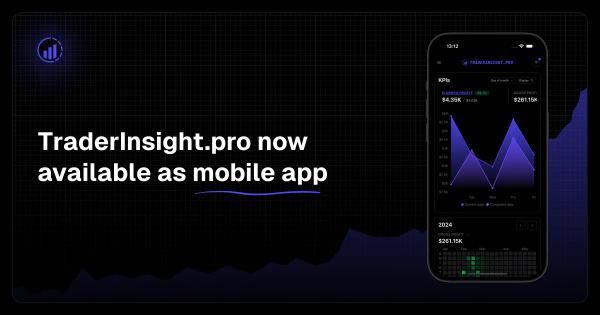
TraderInsight.pro's mobile app delivers full feature parity across web, iOS, and Android - the same reports, tags, notes, and AI analysis available on desktop. Review your Lightspeed trades on the go, add notes from your phone right after a session closes, and check your P&L calendar from anywhere.
Frequently Asked Questions
Does TraderInsight.pro support Lightspeed?
Yes. Export your orders from the Lightspeed app using Save to File, then drag and drop the file on the import page. TraderInsight.pro recognizes the format automatically.
What is the best trading journal for Lightspeed?
TraderInsight.pro is built for active day traders and swing traders using Lightspeed. Export your order history, drag and drop the file, and your trades are instantly in your journal - ready for performance reports, AI analysis, and strategy tags.
How do I import my Lightspeed trades?
Right-click Orders in the Lightspeed app, select Save to File, then drop the file on the TraderInsight.pro import page. No broker selection step is required - the format is detected automatically, but if you often import from Lightspeed, select the broker to make the importing even faster.
What asset classes from Lightspeed does TraderInsight.pro support?
Can I import multiple Lightspeed accounts into one journal?
Yes. Import each account's export file separately and TraderInsight.pro merges them into a unified history. You can then filter by account in reports and dashboards.
Can I use AI to analyze my Lightspeed trades?
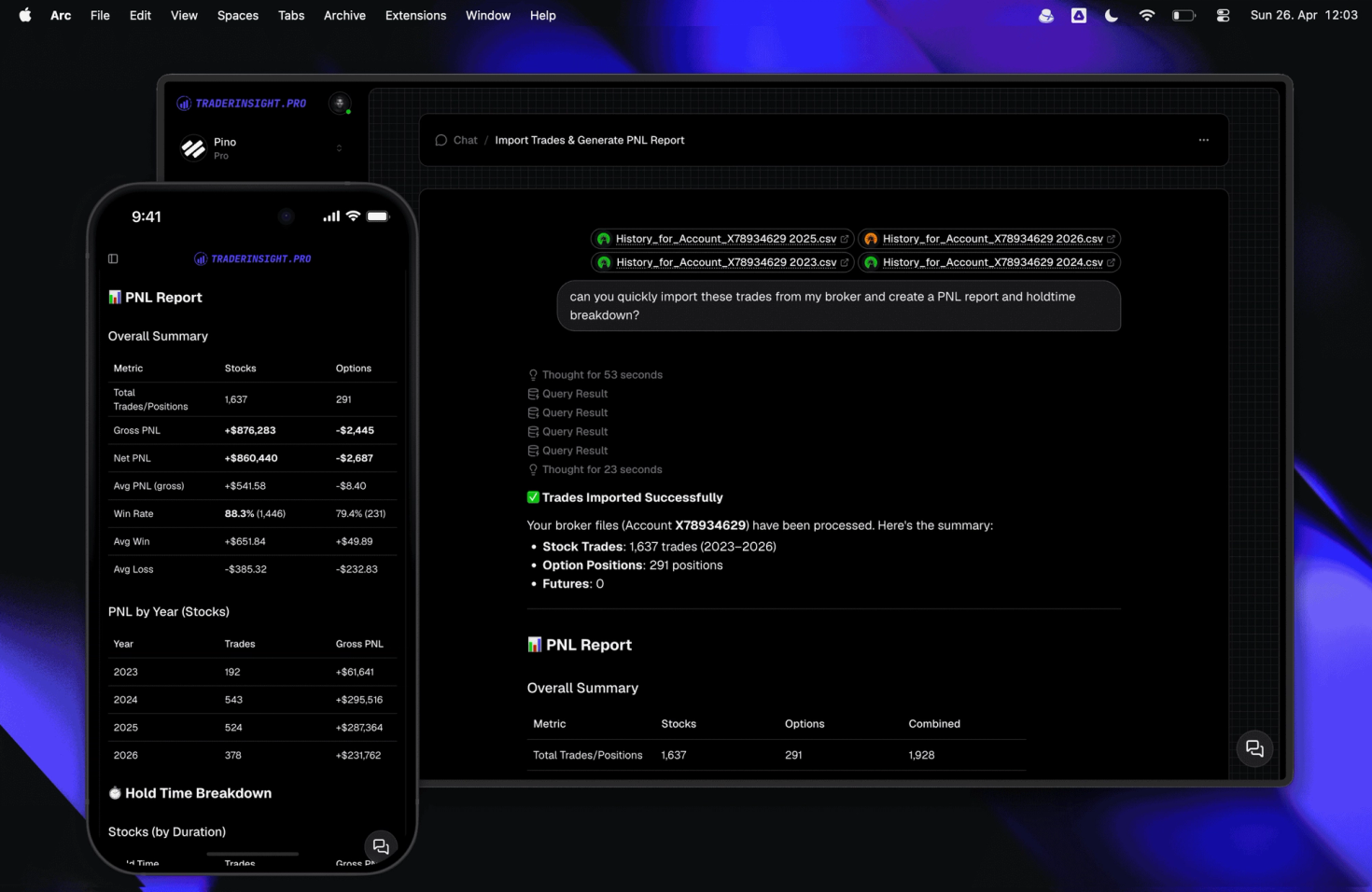
Yes. AI analysis lets you ask plain-English questions about your own data - "What's my win rate on gap plays?" or "Which tickers cost me the most last month?" - and get answers backed by your real trade history.
Is there a mobile app for journaling Lightspeed trades?
Yes. The TraderInsight.pro mobile app has full feature parity on iOS and Android - same reports, tags, notes, and AI available on desktop. Not a lite version.
Can I share my Lightspeed trade journal with a coach?
Yes. The sharing feature and journal members functionality let you invite mentors or coaches to view your journal with controlled access - no account credentials shared.
Is TraderInsight.pro better than a spreadsheet for Lightspeed traders?
Significantly. A spreadsheet requires manual entry, can't run comparative reports across strategies, and offers no AI querying. TraderInsight.pro imports directly from your Lightspeed export and gives you reports, tags, notes, and AI - all pre-connected to your real data. It’s like comparing the power of a Nokia from 1999 to an iPhone from 2026.